Analyzing the Firmware of 400+ TP-Link Devices — How we found a domain collision in the wild!
A security researcher purchased an unregistered domain referenced in TP-Link Omada firmware and captured thousands of enterprise network requests. Here's how the attack works and what it means for your infrastructure.
As last Christmas was quickly approaching, a research article was brought to my attention by a member of the team. Simone Margaritelli had found a handful of fascinating vulnerabilities affecting the TP-Link Tapo C200 camera, but of greater interest to me, they had also disclosed the presence of a TP-Link S3 bucket which ostensibly contained every version of firmware for their products.
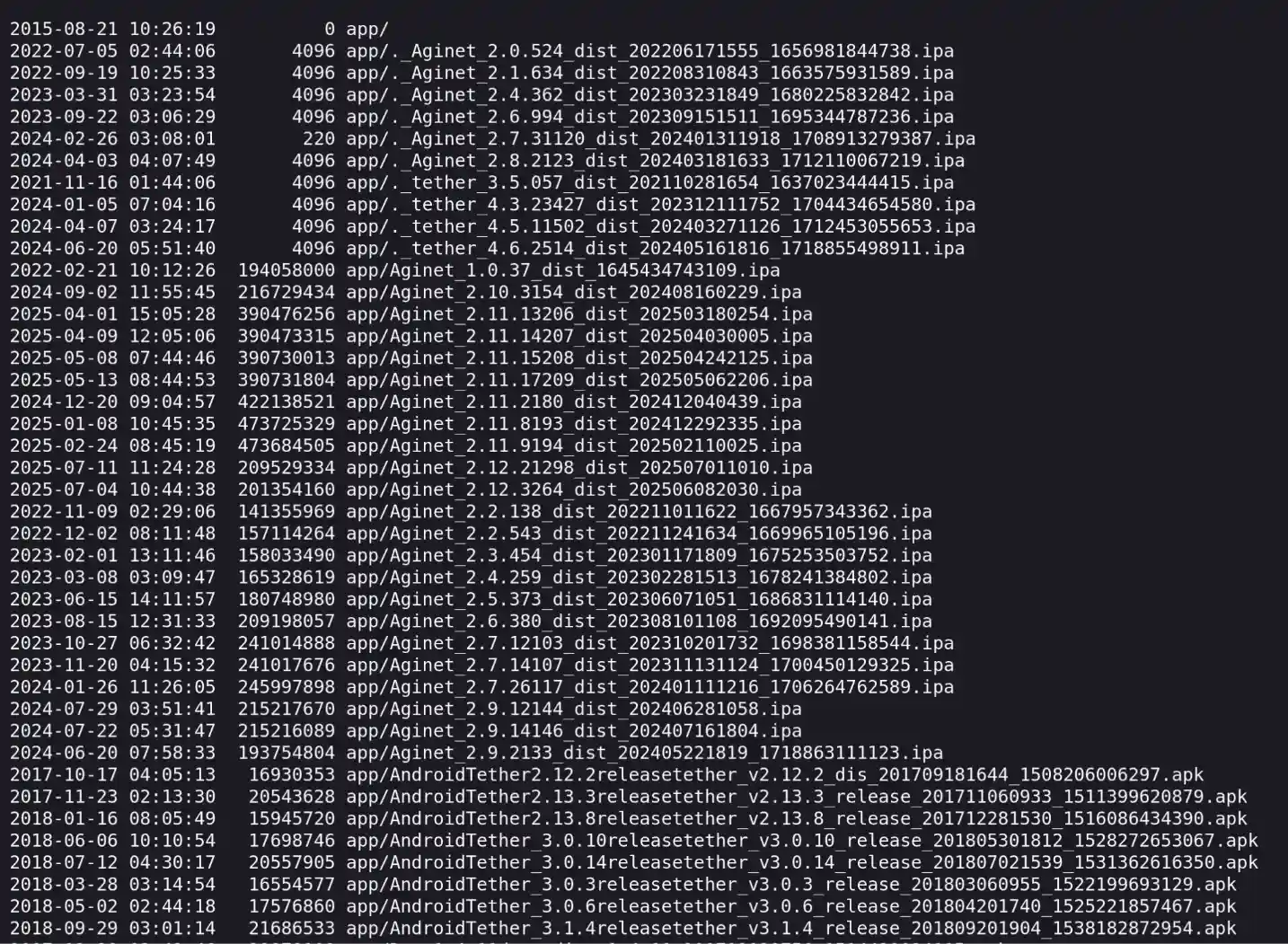
For those who are curious, Simone has kindly hosted a listing of the contents here: https://www.evilsocket.net/images/2025/tapo/bucket_contents.txt
For some time now, I have been pondering the logistics involved with analyzing the firmware of a wide range of devices for vulnerabilities. My assumption at the time was that the biggest challenge would be identifying and downloading all of them… Some brands like Fritz Box do host a repository where you can retrieve many of their firmware images from, and others like Asus or TP-Link have portals which allow you to grab an update from, but there was seemingly no simple answer to my question. That of course all changed once I had this enormous list of firmware in front of me.
Putting aside the few projects I had been working on, I decided to dive into this challenge on Christmas Eve.
Defining the Scope
As this was all hosted on an S3 bucket, I was able to connect to it with the AWS CLI and retrieve the list of files so I could start defining my scope and approach—I wanted to ensure I had the latest version of data available to me.
```
aws s3 ls s3://download.tplinkcloud.com/ --no-sign-request --recursive
```
Running wc -l to count the number of lines in the subsequent file made my heart drop. The result? 46,884 lines; nearly 47,000 files that could be analyzed. This bucket had more than just TP Link’s firmware images: in addition to those, there were Android application files (APKs), iOS application files (IPAs), and others that I wasn’t able to determine the use of. From what I could tell, it was everything TP-Link makes available for download in one place.
I decided the best approach to this analysis would be to first trim out anything that wasn’t the most recent version of a file, be it firmware or a mobile application. Once that was completed, I was left with 490 files. Still an ungodly number in my opinion, but far more manageable than 47,000.
Now that we had an idea of what we were working with, I had to determine what the needles would be that I would be looking for in this haystack.
Domain Takeovers
A very good friend of mine, Phillipe Caturegli, has spent an immeasurable amount of effort over the past two years doggedly searching for one class of vulnerabilities: domain takeovers (also known as domain collision). He opened my eyes to this fascinating finding, which in many cases has enabled him to demonstrate a full compromise of an internal corporate network. This compromise is the result of an organization using a domain for their Active Directory environment that has not been registered, enabling him to purchase this domain and use Responder to capture the subsequent authentication requests to his server. If you’re interested in his work on this, he has had some of his work published by Brian Krebs and did a fantastic talk at RomHack 2025.
Now, how does this apply to what we’re looking at? Well, covered in his talk at RomHack was the case of FritzBox routers which had for years been using the domain fritz.box for their local web administration interface. All was fine until the .box top-level domain (TLD) became available for purchase and someone sniped it, allowing them to capture millions of requests from local networks.
My theory was this: TP-Link offers dozens, if not hundreds, of devices, so there must be at least one case where I can find a domain, which is both in use by these devices and available for purchase, and then take it over.
This was an idea I had been mulling for much time; I had already built a custom script to find domain names using the list of available TLDs by parsing files in a directory. Once that list was obtained, it would feed it into another function that would check their registration status, and any that were available for purchase were reported.
This check would be the focus of our pipeline.
The Pipeline
Building the Pipeline
Given that this was Christmas Eve, and this idea was a distraction from the festivities as well as more pressing projects, I turned to Claude to help me with writing the script that I’d use for this analysis pipeline. With the previously defined tools and objectives, I wrote out the “pseudo code”, describing what would be run, how it would perform the check, and how the findings should be logged.
One of the issues I encountered was the various file types that were being processed: most weren’t extracted with binwalk, some were encrypted, and some were just garbage. I was able to partly remedy this by using Nate Robbin’s tp-link-decrypt scripts to decrypt some of the images, although it didn’t work for all of them.
Running the Pipeline
Putting aside my laptop to enjoy the turkey, I let it run for almost 24 hours. Thankfully, as it chugged away, it produced enough heat to keep us all warm on that cold Christmas evening!
Once it had completed, the fun of analyzing the output began. Thankfully, rather than have to grep through gigabytes of data, I had configured my domain name checker to send alerts to a Discord server whenever a domain was found that was available for registration!
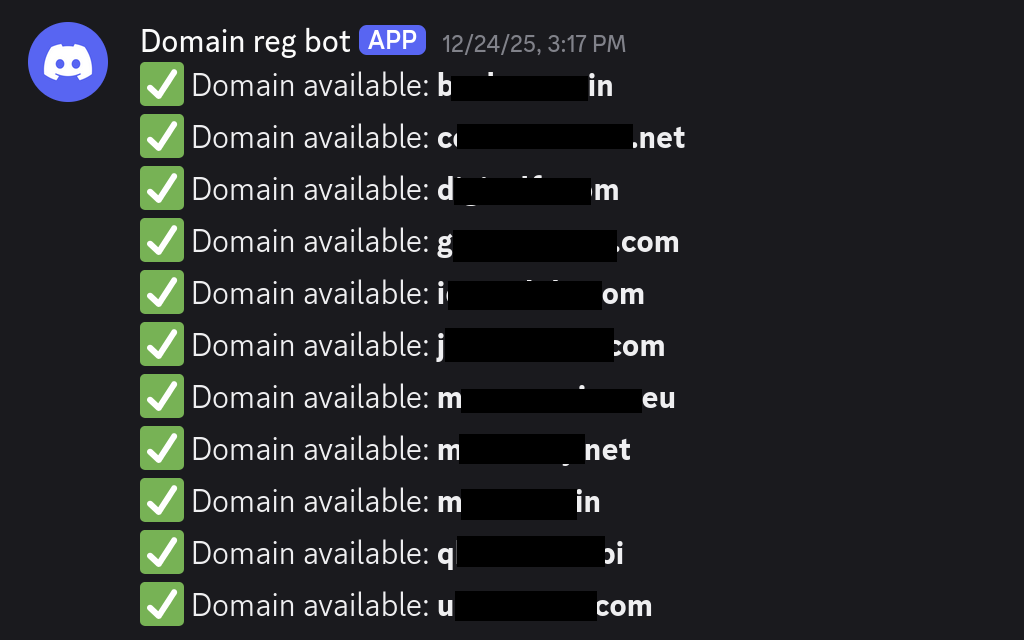
Unfortunately there were tons of hits, many of which were false positives. For each domain that was found, I would manually review the firmware image it originated from to determine its significance. However, some, like those seen previously above, were quite interesting. Those pictured above were referenced in a file that listed Access Point Names (APNs) for mobile connectivity for routers. These domain names have been redacted as they remain unregistered; they were for a third-party service unaffiliated with TP Link.
I also wasn't sure if purchasing a domain name would initiate requests. In order for these domains to be exploitable, the devices would need to be trying to connect to an APN that no longer works—and likely hasn't worked for many years. Stranger things have happened, though, and this exploit might be an interesting research opportunity in the future!
Results fell into three categories: false positives, a single file with a number of domains available for registration, or a single domain being returned across multiple files or firmware images. The following domain fell into the last category:
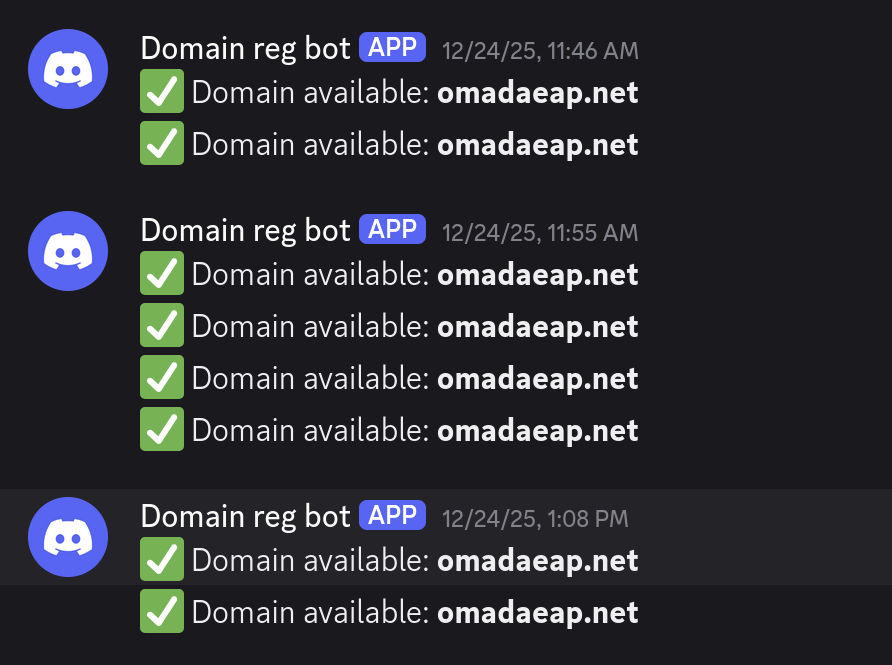
Looking at the grep results for this domain, I knew that I had hit gold:

Here we can see the domain referenced in the lan_domain parameter within an rc.modules file; by analyzing this file I was able to determine that it was what users would connect to when accessing their device from within their local area network (LAN). This was exactly what had been found on FritzBox.
Upon Googling this domain, I found numerous references to it in the setup documentation for Omada Networks Enterprise Access Points (omadaEAP). Omada Networks is a subsidiary of TP Link, offering enterprise-grade solutions for businesses.
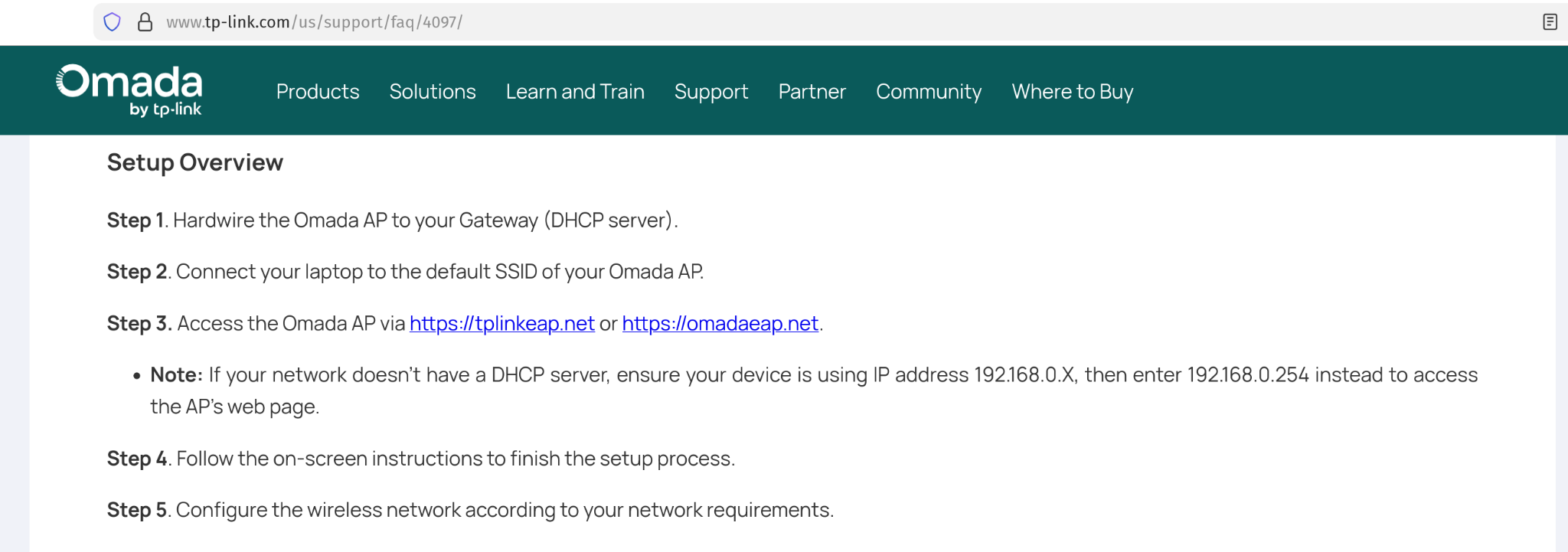
The next step was simple: buy the domain and set up a server to see whether or not we would receive traffic!
Capturing Traffic
Rather than re-invent the wheel, I simply set up a basic HTTP server, which would log inbound traffic, and pointed my newly purchased domain to it. After 48 hours, the results were in. Several thousand requests were made to the server in that time, a portion of which were of course simply scrapers, but as we can see in the screenshot below some contained the following header: x-requested-with: com.tplink.omada

This header served as confirmation that the requests were likely originating from an Omada application or perhaps the routers themselves.
Reporting
Helpfully, TP Link has a public security advisory page, which lists their contact information and the disclosure guidance: https://www.tp-link.com/us/press/security-advisory/. I reached out to them over their email and quickly received a response. Over some time we worked through the somewhat unusual report and I was able to successfully transfer ownership of the domain to them.
What can we make of this?
Through this research, the previous research by Philippe Caturegli, and the attack on FritzBox, it has become evident that there are countless unregistered domains in the wild, which may be footguns for an untold number of organizations. As the internet continues to age—and projects become abandoned, forgotten, or poorly maintained—these numbers will only continue to rise.
Within Active Directory environments, these domains pose huge risks, enabling attackers to obtain NTLM hashes and re-route traffic to their servers. For an IoT manufacturer, it could endanger their entire user base. Some have even theorized that there are a considerable number of similar issues related to the domain names associated with developer accounts on platforms like GitHub—we’re all too familiar with the risk of a compromised developer account in 2026. This area may be an interesting focus of future research by any would-be domain takeover researcher!
Organizations must pay keen attention to the domain names that they use internally, those that are used by the applications that they deploy, and the hardware that they use. Firmware-level vulnerabilities like this one rarely surface through conventional application testing, which is why dedicated hardware penetration testing is worth building into any vendor risk or product security program.